
- This event has passed.
Light Room 101 4 Part Session- CANCELED
Unfortunately, due to not meeting the minimum enrollment required to run the class, we have made the difficult decision to cancel this session. We always strive to provide the best possible learning experience, and with the current registration numbers, we are unable to offer the class as planned.
We sincerely apologize for any inconvenience this may cause and appreciate your understanding. If you have already submitted payment, we will be contacting you regarding your refund or available credit options.
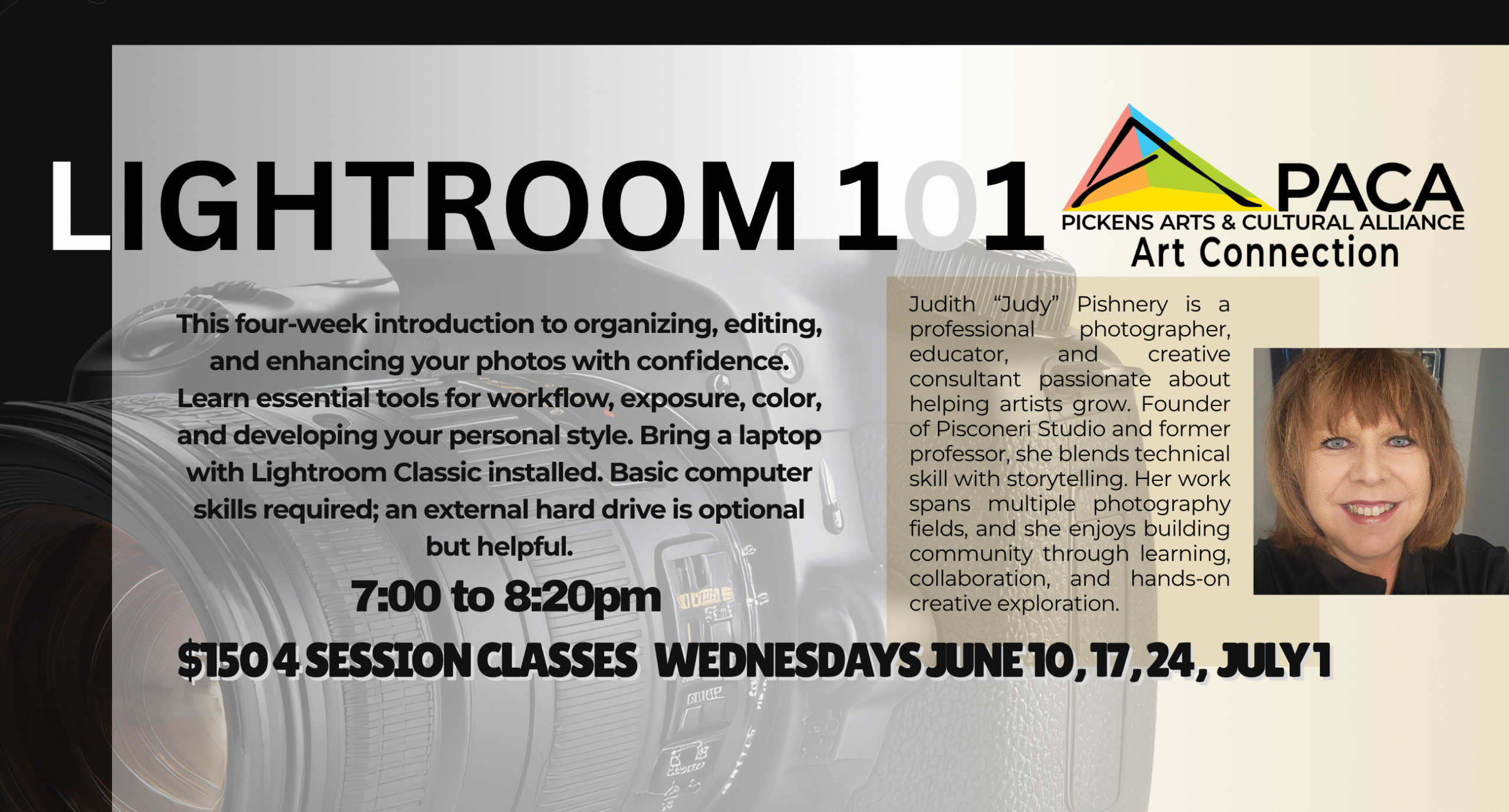
Lightroom 101 is a four week, hands-on introduction to the tools and techniques that make photo editing both powerful and enjoyable. In this 90 minute weekly class, you will learn how to organize your images, build a clean and efficient Library, and understand the Develop tools that shape exposure, color, contrast, and detail.
We start with the basics of importing, rating, and managing your files so you always know where your photos live. Then we dive into creative editing, including how to correct exposure, enhance color, use presets, and apply masks to guide the viewer’s eye. You will practice simple workflows that help you edit faster and more intentionally, and you will learn how to export and share your finished images with confidence.
This class is designed to be fun, supportive, and full of aha moments. By the end of the four weeks, you will feel comfortable navigating Lightroom, making thoughtful edits, and developing a style that feels like your own.
This class requires a laptop computer with Lightroom Classic installed. Students should have basic computer skills such as naming and saving files, along with a reliable internet connection. A 1 TB or larger external hard drive is optional but helpful for storing and backing up photos.
Adobe photography Plans – https://www.adobe.com/creativecloud/photography/compare-plans.html – If you are a student or teacher be sure to register for the education discount.
- Learn Lightroom editing with clarity and confidence
-
$150 4 session classes; WEDNESDAYS June 10, 17, 24 & July 1 7:00 to 8:20pm